Takeoff, markup,
and the red pen.
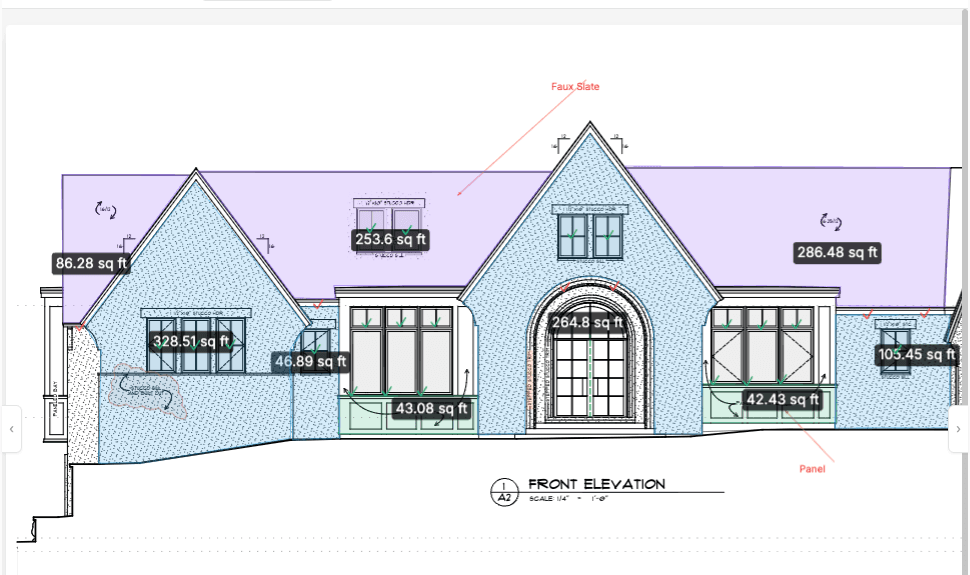
Measure construction PDFs and watch costs roll up by room and category. Mark up drawings with the full annotation toolset. Share a live link so everyone sees the plan change as you work.




Measure the plan. Price the job.
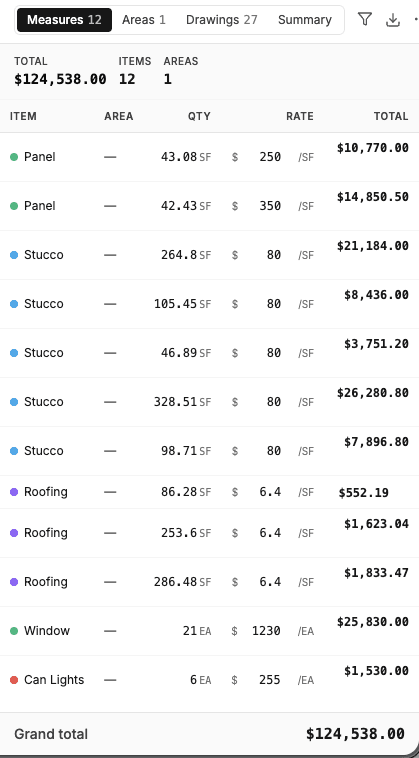
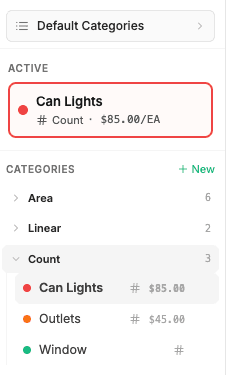
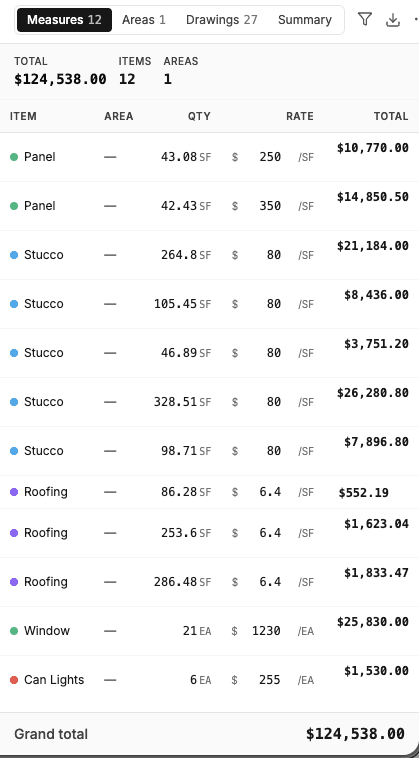
Identify areas of the plan as rooms, and every measurement or count inside is grouped by room. Categories carry costs, so the takeoff reads as money — hardwood, carpet, roofing, drywall — by category, by room, or in total. Multiple estimators can work the same drawing at once.
A full redline kit, in the browser.
Every annotation tool the red pen ever did, plus a few it couldn't. Organize markups on layers, toggle them on and off, and work the same drawing with your whole team at once.
Everyone on the same sheet.
Redline a detail while a teammate marks up the next room on the same drawing. Clouds, callouts, highlights, free draw — and a snip tool that lets you cut a section, paste it where you need it, and rescale it.
- Layers keep annotations and takeoffs organized — toggle each on and off.
- Multiple users markup and measure the same drawing, live.
- Rotate pages; deskew and perspective-correct scanned or photographed plans.
AI reads the new rev so you don't miss the change.
Upload a new version and compare it against the last one. AI calls out what changed between revisions, so the moved wall gets caught before it gets framed.
- Robust version management — old sets stay available, the current set stays obvious.
- AI comparison calls out changes between any two versions.
- Drag the handle and see the diff for yourself.
Section markers become links.
AI finds section and detail markers on the sheet and links them to the drawing they reference — sections, details, elevations. Tap the marker, land on the drawing, get back with one click.
- One pass links markers across the whole set.
- Elevations link back to their plan locations.
- Works on the sets you already have — no re-drawing, no setup.
The printed set stays connected.
Drop a tag anywhere on the drawing and link it to anything in the project. When you export for print, tags become QR codes — the crew scans a spot on the paper plan and the linked RFI, photo, or spec opens on their phone. No app install.
Drawings in the middle. Everything else attached.
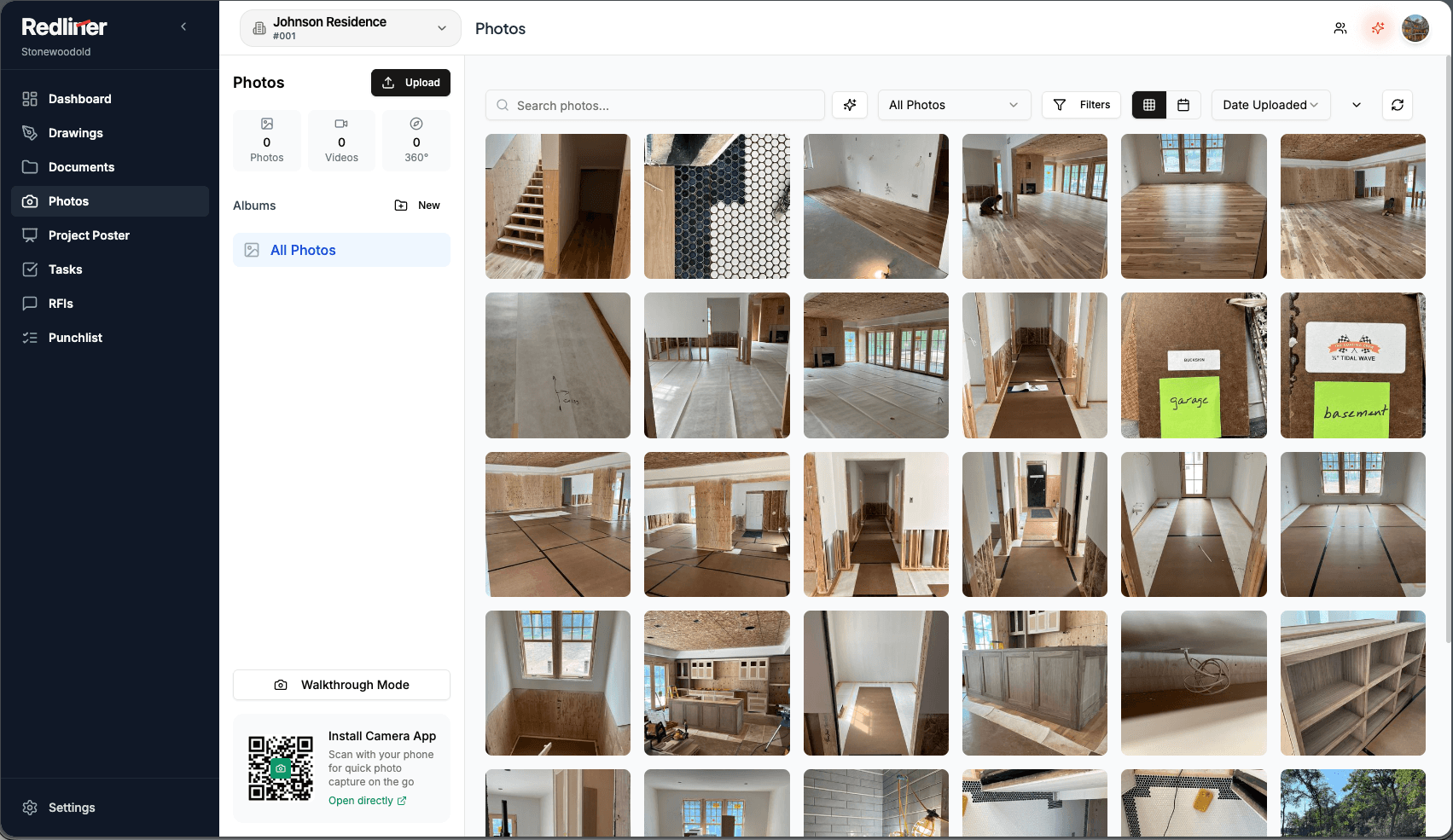
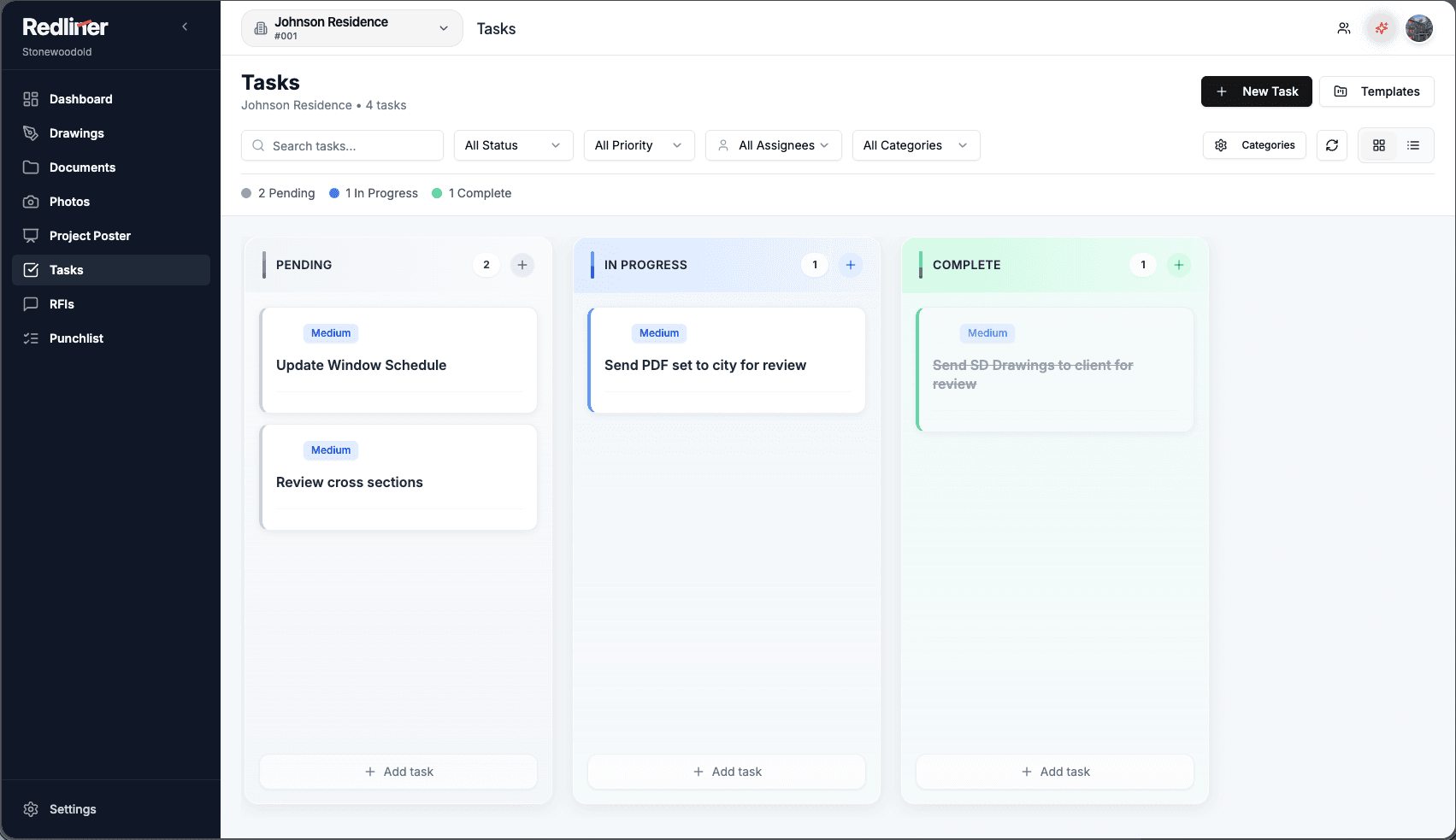
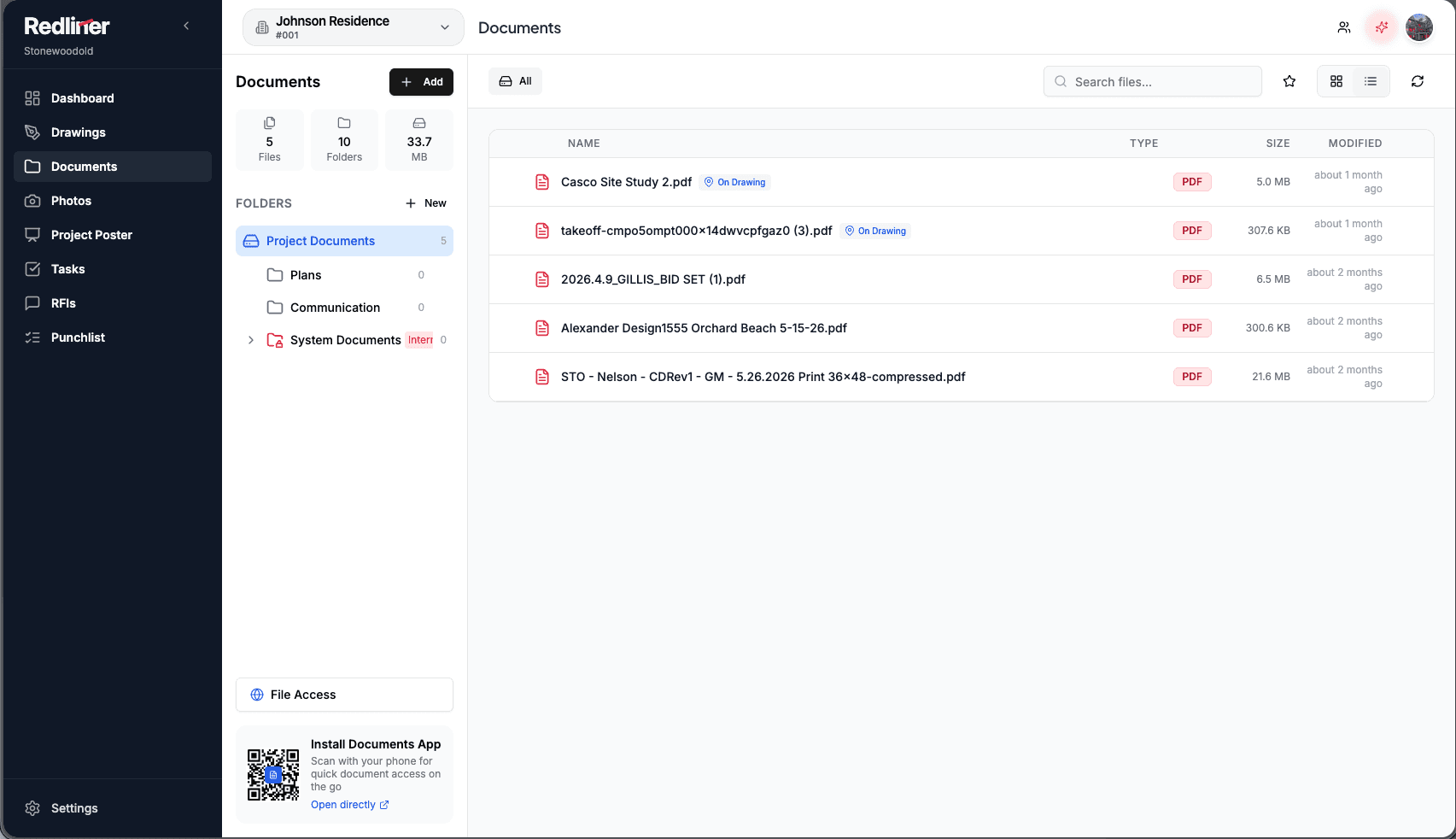
One dashboard shows every project you're on. Inside each: drawings, documents, photos, tasks, RFIs, and punch list — all linkable from a tag on the plan, all reachable from a QR poster on the jobsite wall.
One QR on the jobsite wall.
Print the project poster and anyone on site scans into the shared documents, plans, and photos — no app install, no account setup.
Ask the project a question.
From the poster, chat or talk with the AI voice assistant about the project — where's the current set, what's open on the punch list.
From markup to RFI.
Raise an RFI from the drawing with sheet reference and context attached. Track it through response without leaving the plan.
One product. The people who live in drawings.
Drawings are the shared language on every job. The hook changes by what you do for a living.
Takeoff that prices itself.
Measure into cost-loaded categories and see the number move as you draw. One room outline takes off flooring, drywall, paint, and counts at once.
The job, attached to the plan.
Tasks, RFIs, punch list, photos, and documents all hang off the drawing. Share a live link and the owner watches progress without asking.
Scan the plan, get the answer.
QR tags on the printed set open the linked detail, photo, or RFI on a phone. The project poster gets the whole crew in — no app install.
The redline, evolved.
Full annotation toolset in the browser. AI compares revisions and calls out changes; section markers link to their details automatically.
Your drawings where they already live.
Connect Redliner to the file storage your team already uses. Keep the drawing set in place; mark up, measure, and review without copying files into another silo.
Also: the Claude Connector (MCP) and the embed SDK roadmap →
Two tiers. Viewers included.
Start with a 7-day free trial, then pay for people who mark up, take off, or admin. Shared view-only access is included for the people who need the current plan context.
- 7-day free trial
- Cost-loaded takeoff, grouped by room
- Full markup toolset + layers
- AI version compare & link detection
- QR tags + project poster
- Editable Bluebeam import
- Live share links for outside viewers
- Storage connectors (Dropbox, OneDrive, Google Drive, WebDAV)
- Everything in Pro
- Embed SDK early access
- Volume pricing
- Priority support
Straight answers for AI search and humans.
What is Redliner?
Redliner is browser-first construction PDF software built around two core tools: takeoff (measure drawings into cost-loaded categories, grouped by room) and markup (a full annotation toolset with layers and multi-user collaboration). Around the drawing sit project modules: documents, AI-searchable photos, kanban tasks, RFIs, punch list, and a QR project poster for jobsite access.
Is Redliner a full project management system?
No. Redliner is intentionally drawings-first. Use it for sheet sets, markups, measurements, revision review, and drawing context. Use BuildTools, Procore, or another system of record for full project operations if needed.
What file types does Redliner support?
Redliner is built around construction PDFs and large drawing sheet sets. The viewer is tuned for high zoom, page references, annotations, and exportable markup workflows.
Can Redliner handle drawing revisions?
Yes. Upload a new version and compare it against any earlier one — AI calls out what changed between revisions. Old sets stay available while the current set stays obvious, so nobody marks up a superseded sheet.
What markup tools are available?
Line, square, circle, polygon, free draw, cloud, text, callout, highlight, tag, insert image, and snip (cut a section of the drawing, paste it, rescale it). Annotations live on layers you can toggle on and off, and multiple users can mark up the same drawing at once.
Can I import markups from Bluebeam?
Yes — and this is a big one: annotations from Bluebeam and other platforms import as editable markups, not a flattened image. Your existing marked-up sets keep working in Redliner.